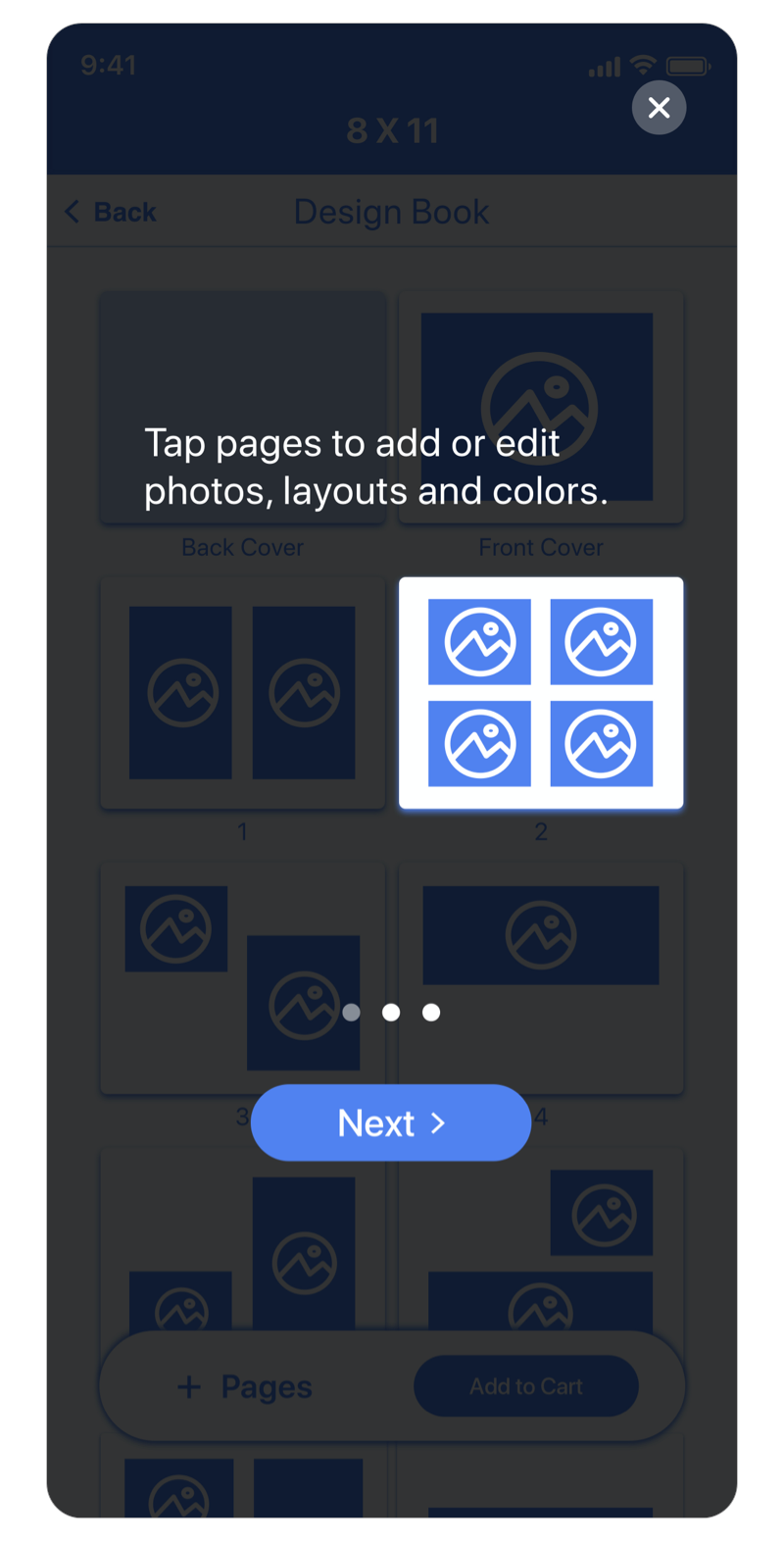
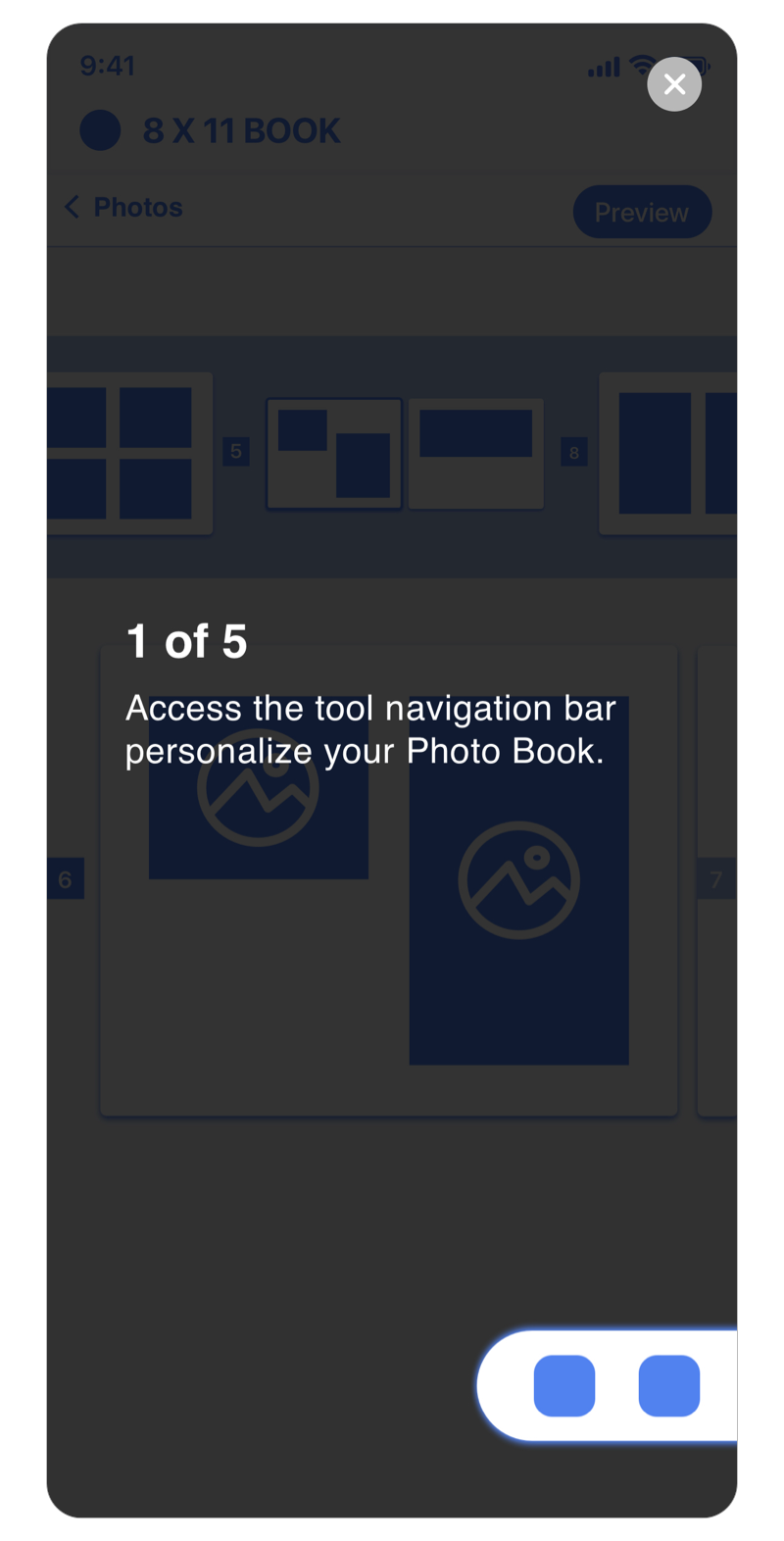
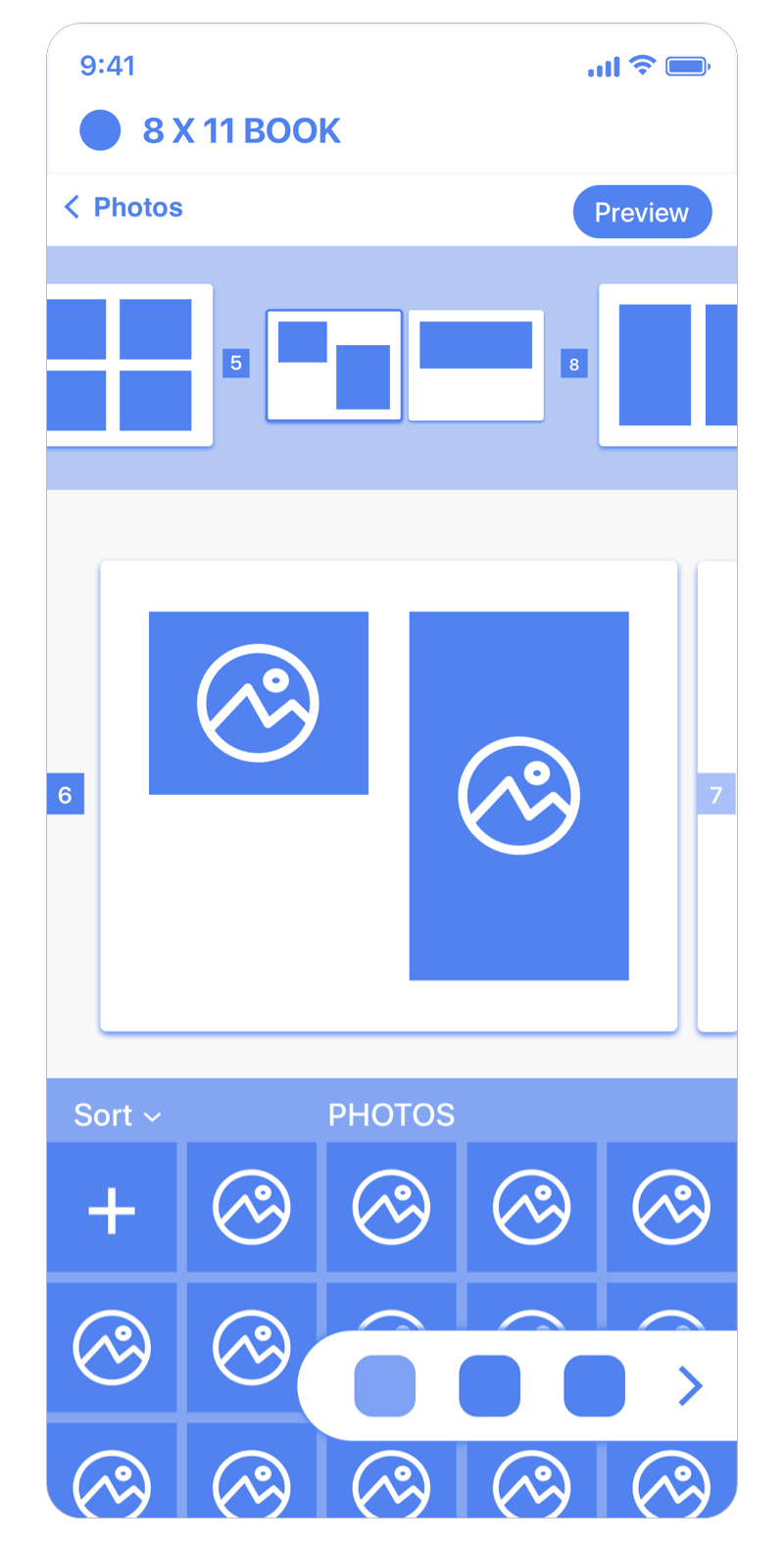
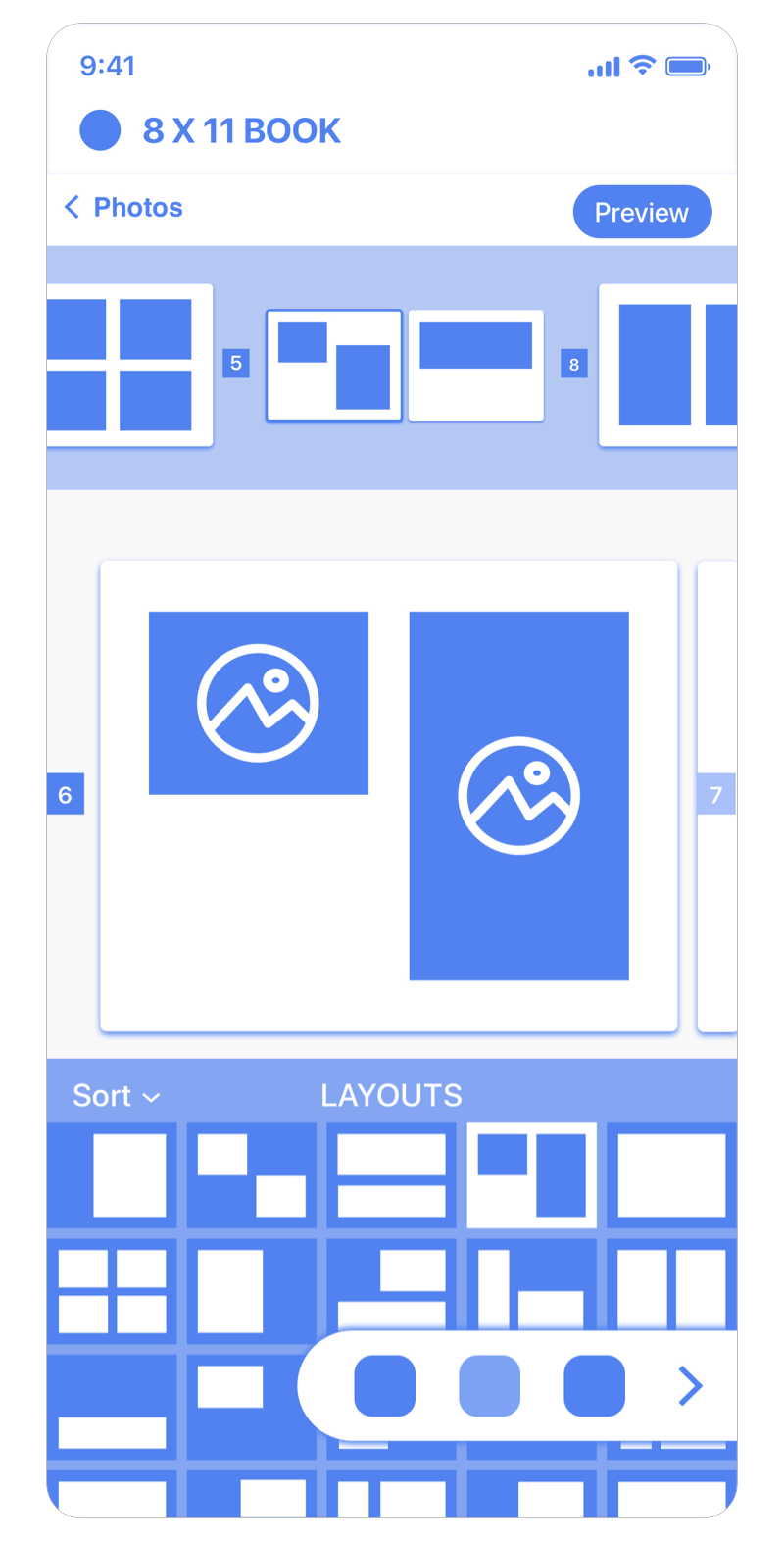
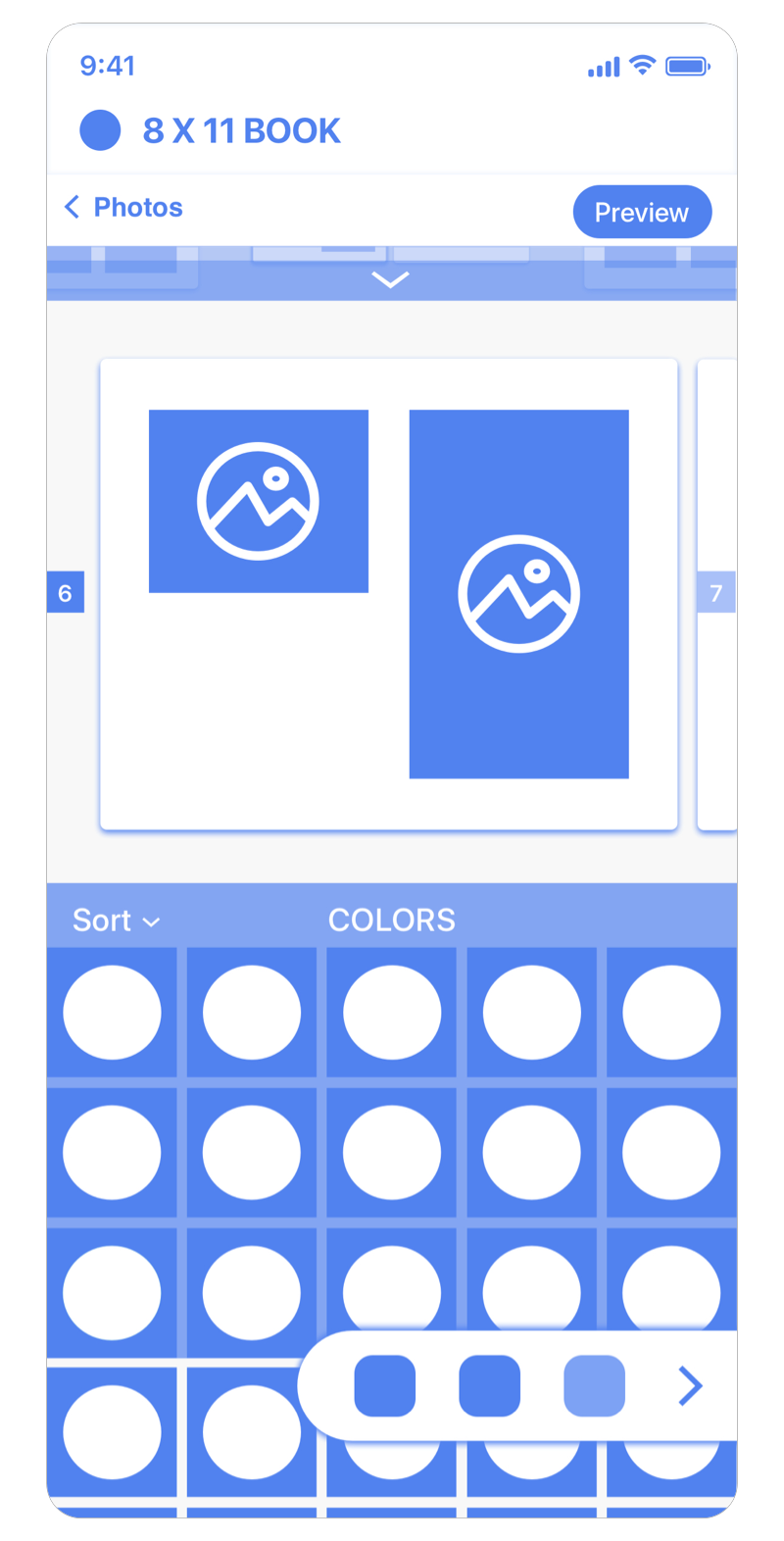
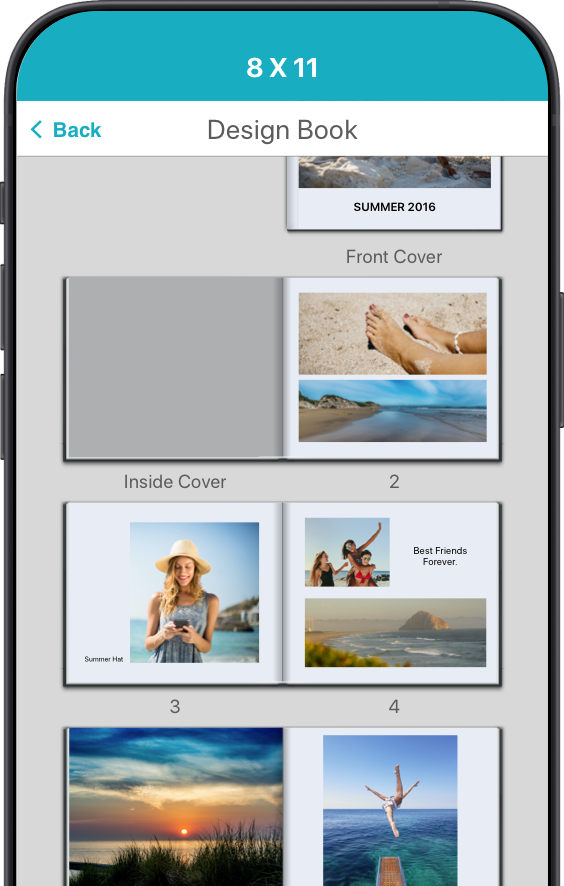
This view offers good use of screen real estate when editting the page. Single page view would translate well in the mobile viewport because of its limited space.
SNAPFISH RETAIL APP
Photo Book Builder
BACKGROUND
The Purpose.
With increasing mobile users, Snapfish retail is looking to expand their product line in the native app by introducing Photo Books.
PLATFORM
Native Mobile App (iOS and Android)
MY ROLE
Lead Product Designer.
Responsible for research, strategy, and design.
Worked closely with Stakeholder, Product Manager, Engineers, Researcher, and Content.
THE FRAMEWORK
Fitting into the System.
I took a deeper dive into the app's current framework / structure; discovering all products follow the same "Builder" model and sequence of flow.
Here's a userflow structure of the existing model for all products in the app.

THE DISCOVERY
Following the Footsteps.
Part of my early research is taking a closer look at the current desktop experience and identify key moments in the creation process.
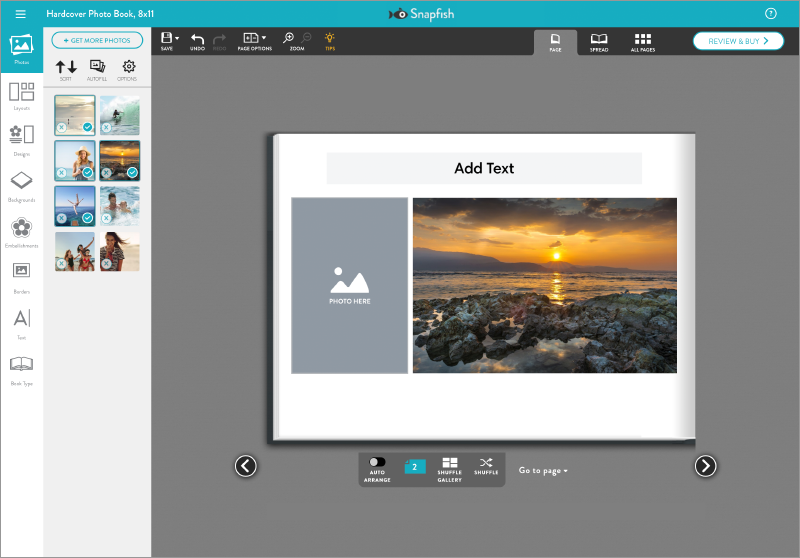
Single Page View
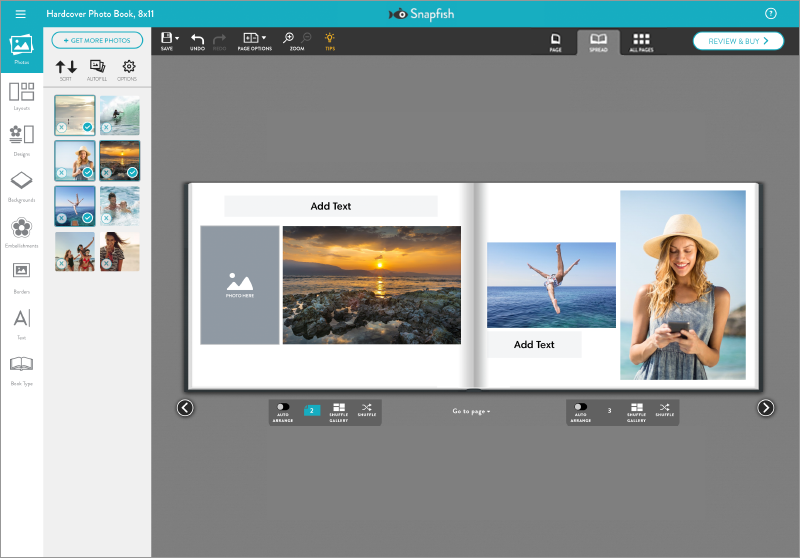
Spread View: Photos
The spread view works well with design continuity from page to page. This is something to think about as an essential part of the book creation experience.

Full View: Layout
As I've mentioned with design transition between pages, this allows the user to review their photo book in full view.

Book Preview Page
This page is meant for the user to preview their design in the same experience they would scan a real book turning it page by page. Here, a decision is made, whether to finalize or continue editing their work.
Key takeaways: Understanding the fundamental needs that goes into designing a photo book is crucial when I start consolidating the experience fitting for mobile.
INSPIRATION
Learning from Competition.
In part of building my case was to explore the current market and learn from competitors their logic of approach.
Simple Prints App

Upload Photos
Many of the apps in the same market follows the same flow of choosing your photos before diving into the project.

Book Preview
Uploaded photos are automatically placed by selection order. Adding more photos requires tapping into an empty page to prompt upload.

Page Edit
Pages with existing photos can be editted by tapping into them. Edit features like adjust, background, enlarge, caption, shapes, layout, and delete are all part of the customization.

Edit: Backgrounds
Page background option comes in varieties of colors, patterns and themes
Shutterfly App

Upload Photos
As I mentioned, most projects starts with the photo upload.

Edit: Photo Selection
Spread view and photos are shown at default. As a guide, orange line above photos indicating that it exist on the current pages.

Edit: Layouts
Full page view is another option when editting, and a great way to preview the project.
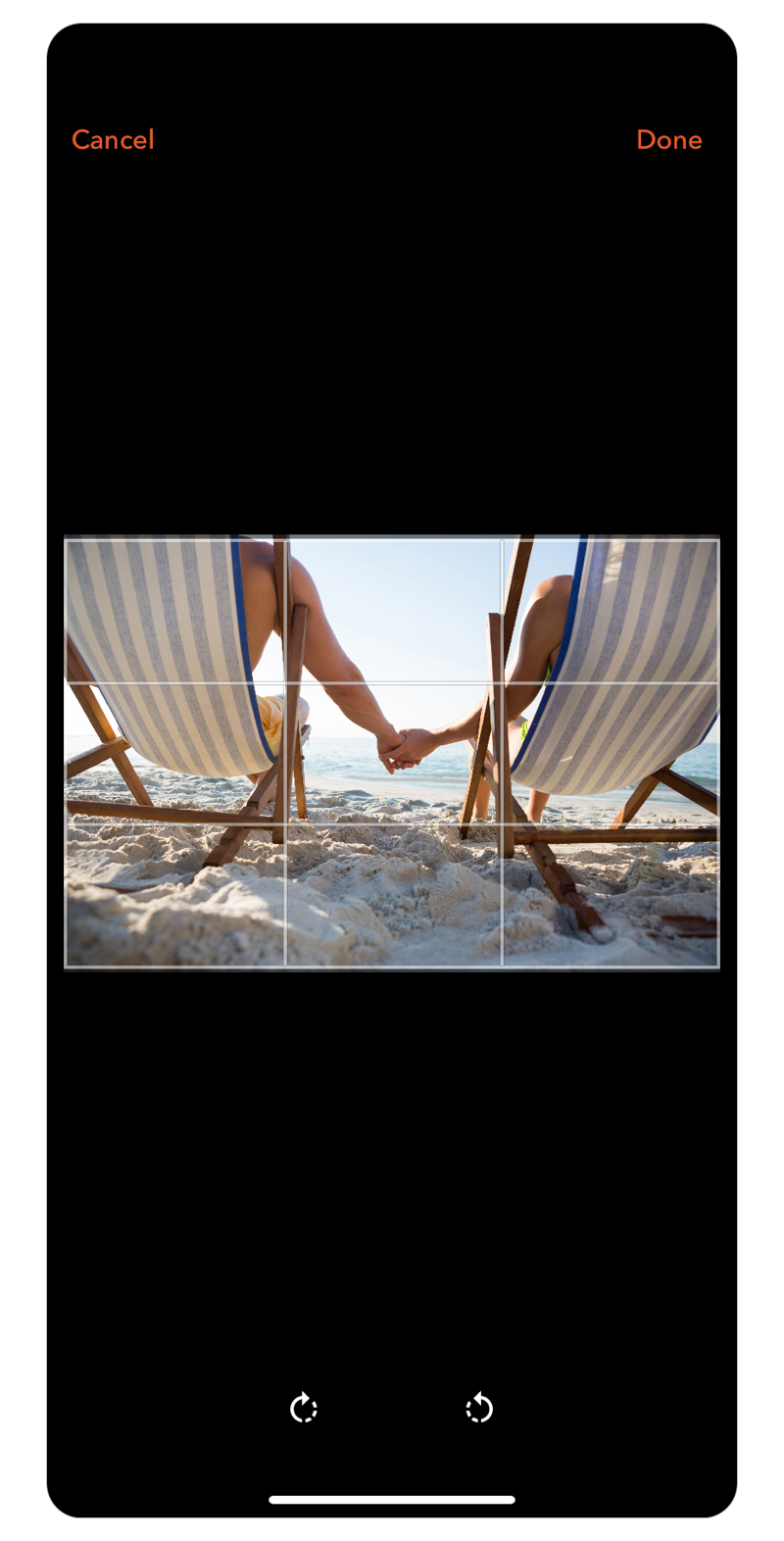
Photo Scale Editting
Tapping into an existing page prompts photo scale editting.
Findings
Research Results.
In part of building my case was to explore the current market and learn from competitors their logic of approach.